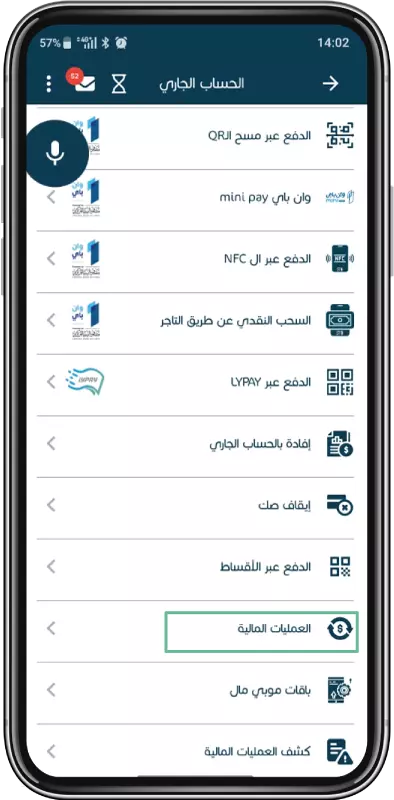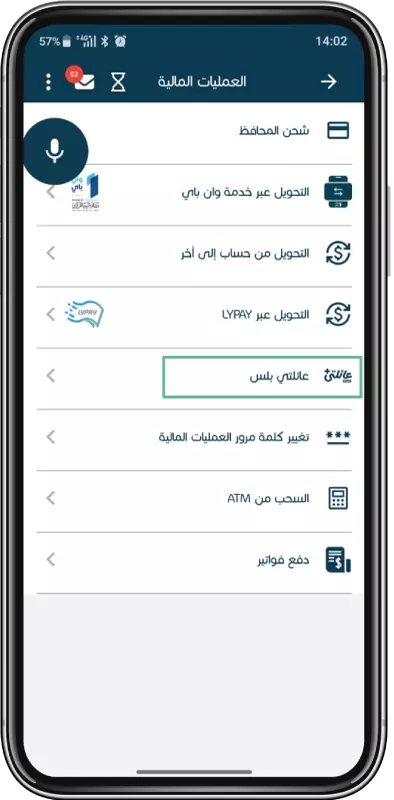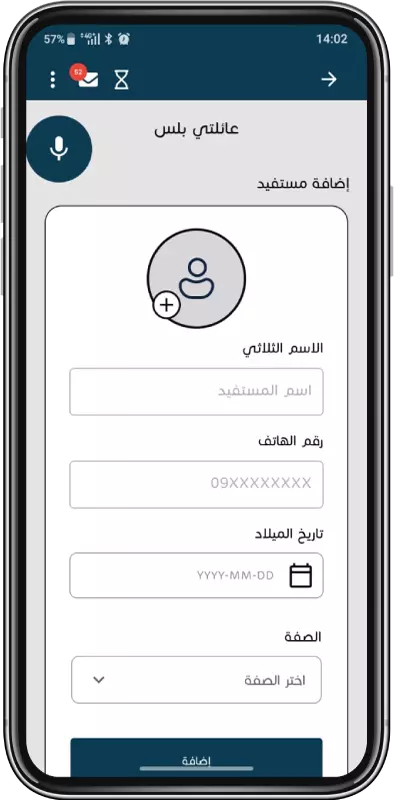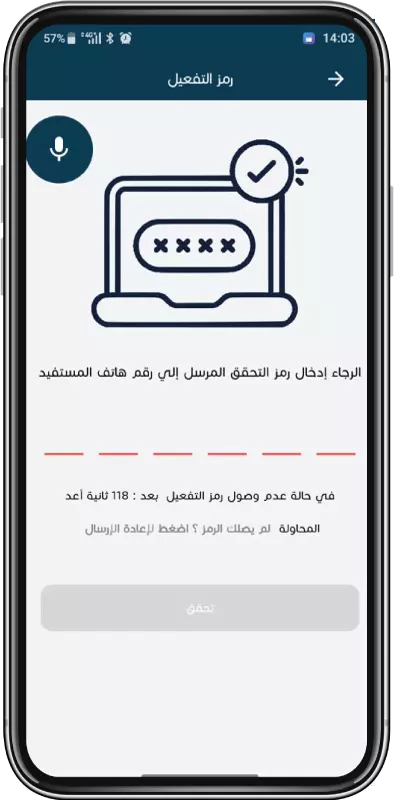

- Personal Benefit from a range of personal banking solutions tailored to manage your money easily, securely, and on your terms. Our personal services include flexible current accounts, local and international cards, Sharia-compliant financing, and smart digital services you need.

- Business Our Business Banking solutions combine tailored current accounts, electronic cards, advanced digital services, and comprehensive trade solutions to enhance efficiency, drive growth, and strengthen your business performance.

- About NCB The National Commercial Bank stands out with experienced leadership, customer-focused values, impactful community initiatives, and awards that affirm its position as Libya’s leading bank.
- Help & Support From real-time exchange rates and financing calculators to easy access to branches and customer support, we are here to empower your financial journey every step of the way.